The five guest message automations running our hotel now
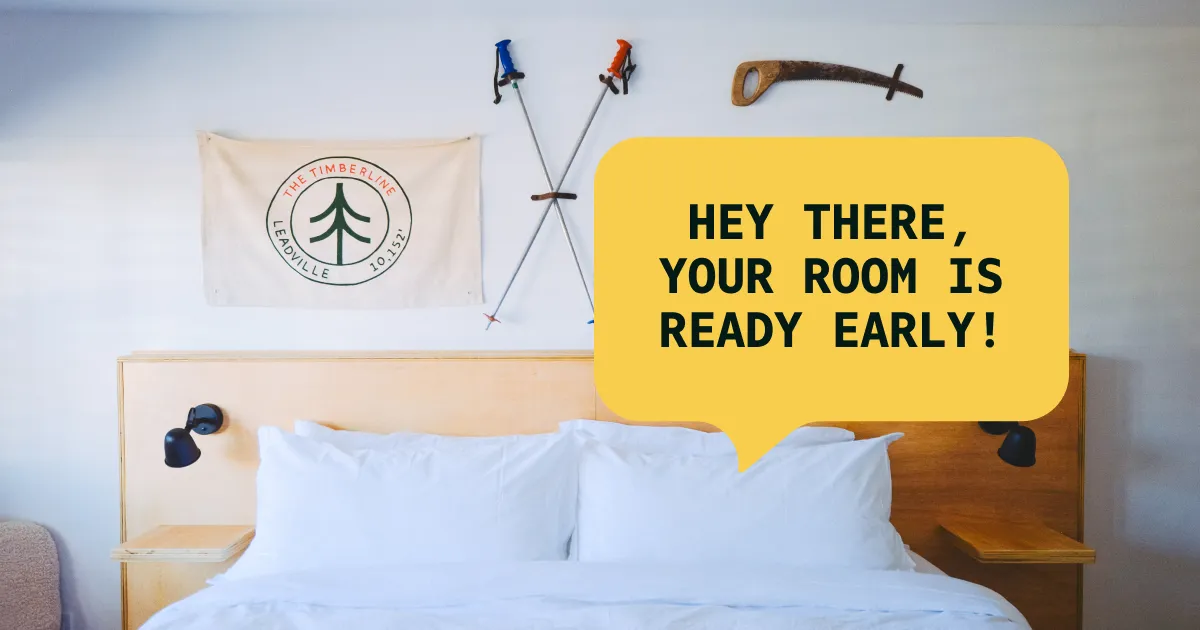
Running a small hotel often means doing everything yourself, but it doesn’t have to. Here are the five automations running our hotel now, and what they freed up our team to do.
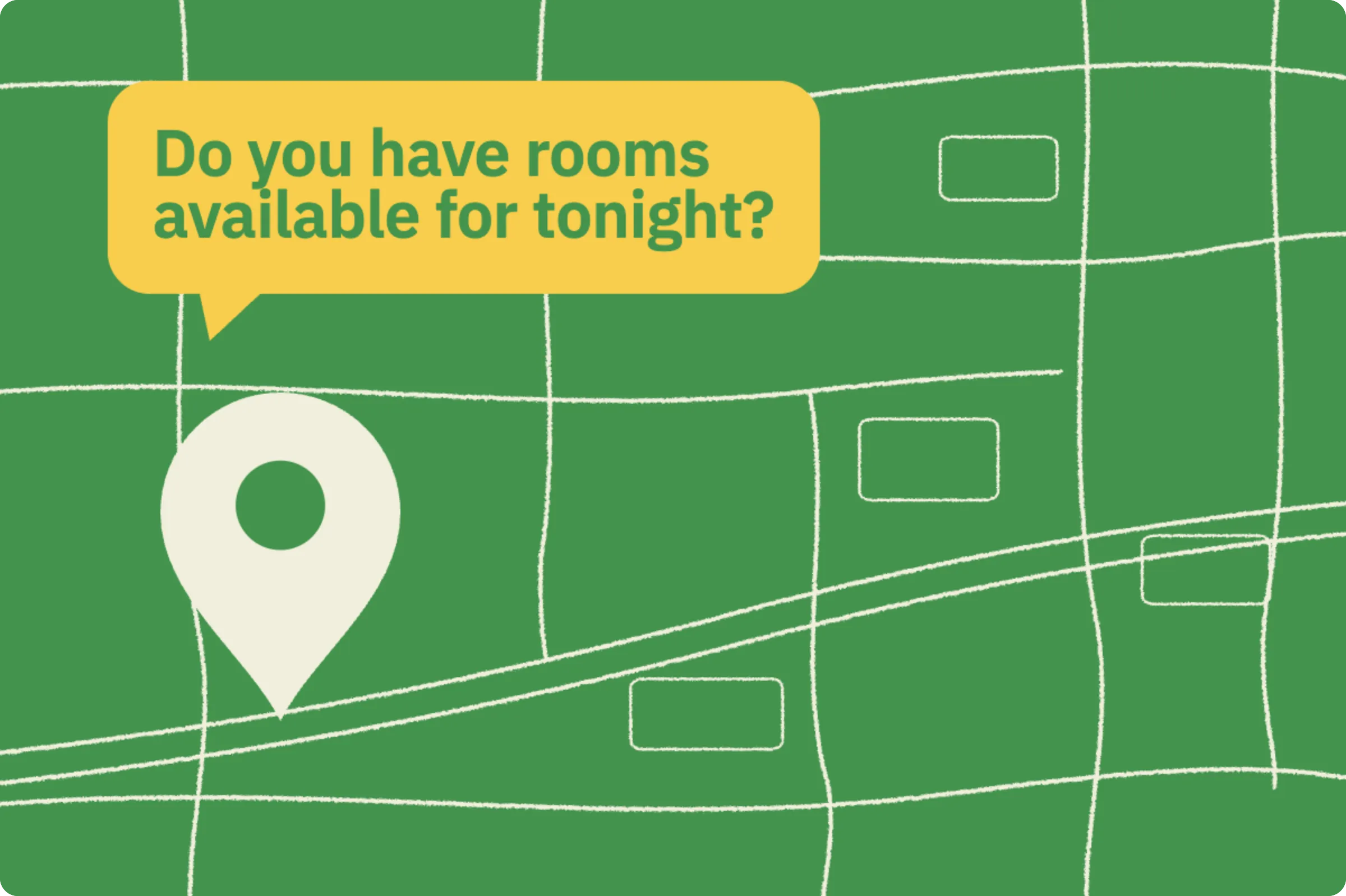

Google’s Chat button turns your Business Profile into a texting channel. Here’s how to switch it on, and why the number behind it decides whether it helps you.
A guest who searches your hotel’s name on Google is about as close to booking, or to arriving, as they get. They’re comparing rooms, checking the drive time, or sitting in the parking lot wondering if check-in opens early.
Google now gives that guest a Chat button, right on your Business Profile in Search and Maps. Tap it, and their phone opens a text message addressed to your hotel. No app, no web form, no separate inbox to monitor. Just a text.
Setting it up takes about two minutes. Making it actually work takes one good decision, which we’ll get to.
Google used to run its own chat product inside Business Profiles, called Business Messages. It shut down in July 2024 after low adoption, and for a while there was no chat option at all.
What replaced it is simpler and better for hotels. A verified Business Profile can now list a chat contact that routes to either SMS or WhatsApp. When a guest taps Chat, the conversation happens as a normal text thread on their phone and yours. There is no Google inbox to check and no new tool for your team to learn.
Think about what people actually want to ask a hotel before and during a stay. Can we check in at 2? Is parking free? Do you allow dogs? Is the hot tub open in October?
None of those questions deserve a phone call, and most guests under 50 won’t make one. They’ll text if texting is easy, and they’ll give up (or ask an OTA, or just pick another property) if it isn’t. The Chat button makes texting the path of least resistance at the exact moment a guest is looking at your listing.
Your Google listing already drives calls. This lets it drive conversations.
You’ll need a claimed and verified Google Business Profile. Then:
Three details worth knowing. If you add both SMS and WhatsApp, Google only shows guests the text message option. Chat options are region-limited, so the button may take time to appear depending on where your property is. And chat clicks show up in your Business Profile performance stats, so you can see whether guests are using it.
Here’s the decision that determines whether this feature helps you or embarrasses you. Which number do you put in that field?
The front desk landline probably can’t receive texts at all. A guest who texts it gets silence.
A personal cell phone can receive texts, but now every Google inquiry lives on one person’s phone. Nobody else sees the conversation, nothing carries over between shifts, and when that person leaves, the history leaves with them.
A guest who taps Chat expects an answer in minutes, not at the next shift change. The button is a promise, and the number behind it is what keeps the promise.
This is what Hello Hotel® is built for. Your hotel gets one number for calls and texts, and every text that comes in (from Google or anywhere else) lands in a shared inbox the whole team sees. Anyone on shift can answer. The full conversation history stays with the guest, not with whoever’s phone happened to buzz.
When the guest has a reservation, the conversation shows their stay dates and room alongside the thread, powered by live Mews data. And when a question needs a reply, AI Assist drafts one with the property and guest context already in it, so your team reviews and sends instead of typing from scratch.
We run our own property this way, and the pre-arrival questions that used to be phone calls are now texts anyone on the team can clear in seconds.
A few habits make it compound. Answer fast for the first few weeks, since early response times set guest expectations and Google’s metrics. Keep a few saved answers ready for the questions you’ll get most: check-in time, parking, pets. And check the chat clicks in your profile performance monthly, because it tells you how much demand was sitting behind that empty field.
The setup is two minutes. If you want the number behind it to be one your whole team can answer, book a demo and we’ll show you how hotels run it.
Running a small hotel often means doing everything yourself, but it doesn’t have to. Here are the five automations running our hotel now, and what they freed up our team to do.
We tried to run The Timberline on email and apps alone. Guests kept falling through the cracks. Here’s what we learned about why text works — and when a phone call still matters.
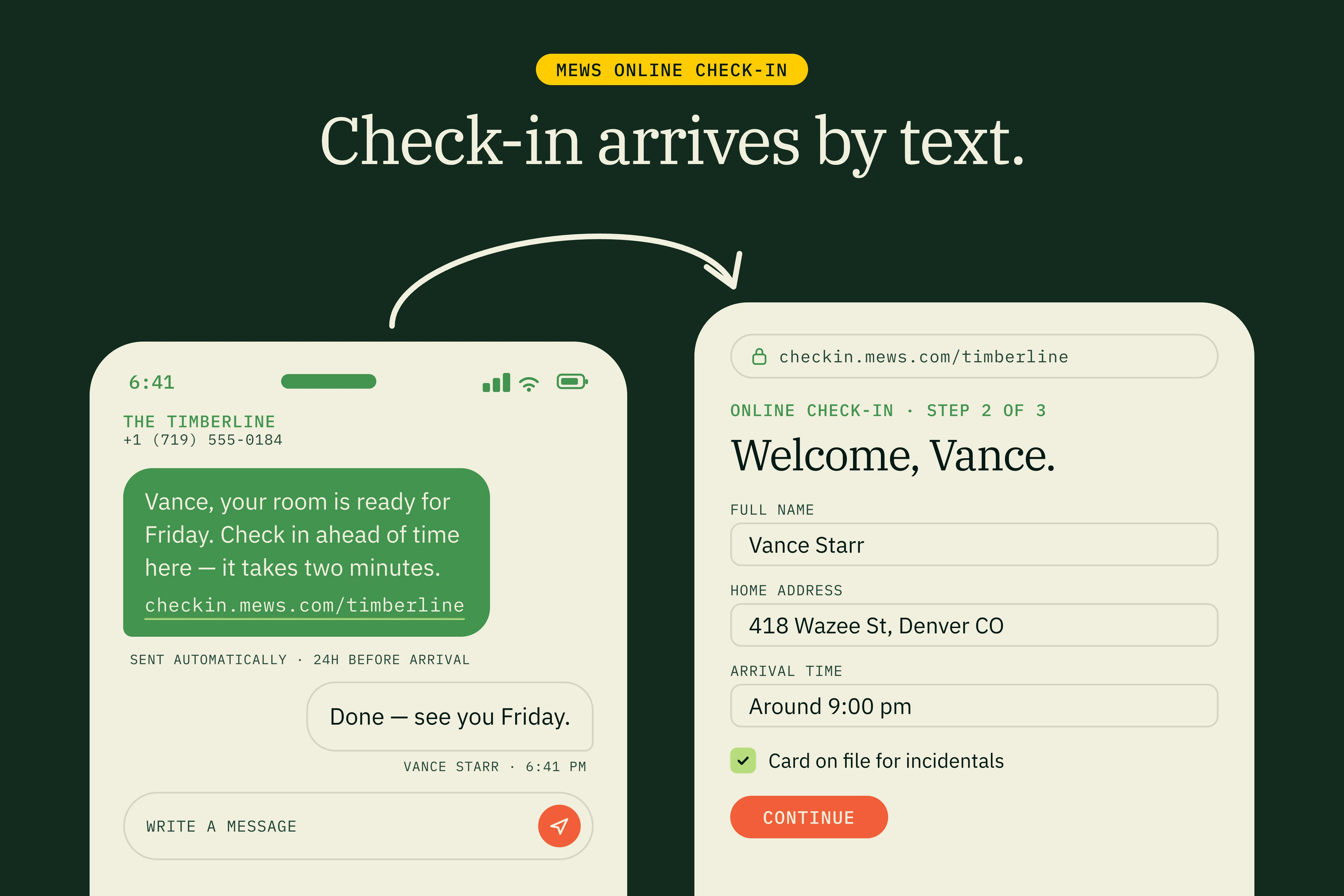
Mews shipped a check-in link that works for any guest, regardless of booking source or the email on the reservation. Here’s how it changes the relationship with OTA-booked guests at our hotel.